

Automate your Payments Entirely with Tipalti
Automate your Payments Entirely with Tipalti
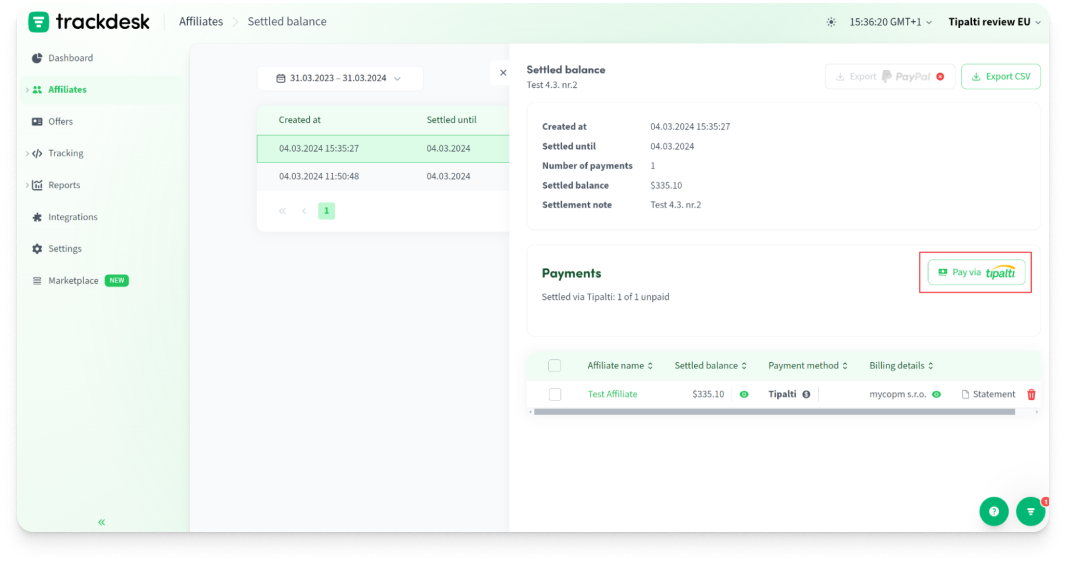
Tipalti automates affiliate payouts.
Just click "send to Tipalti" and watch
as your payments are processed automatically.
Tipalti automates affiliate payouts.
Just click "send to Tipalti" and watch
as your payments are processed automatically.

Transparent Pricing
Partnership Managers Marketplace
FREE Program Migration
Premium Technical Support













What Is It? 🤔
Tipalti is an automated payment system integrated with Trackdesk to simplify affiliate payment processes. By integrating it, users can authorize API access
and enable the Tipalti payment method for affiliates.
Payments are processed automatically, with statuses updated periodically.
Why Do You Need It? 👀
By integrating with Tipalti, Trackdesk enhances the payment management process,
making it more efficient and well organised.
This feature not only simplifies the payout process but also ensures that payments are handled securely and efficiently, supporting multiple currencies and methods, thus reinforcing the robustness of your affiliate program’s financial operations.
How To Set It Up? ⚙️
To set up automated payments via Tipalti on Trackdesk, follow these three key steps:
Integrate with Your Tipalti Account: Link your Tipalti account to Trackdesk to enable automated financial workflows.
Enable Tipalti Payment Method for Affiliates: Set up and activate Tipalti as the payment method in Trackdesk, making it available for your affiliates to choose.
Affiliate Information: Prompt your affiliates to enter their payment details
into the system to ensure payments can be processed smoothly.
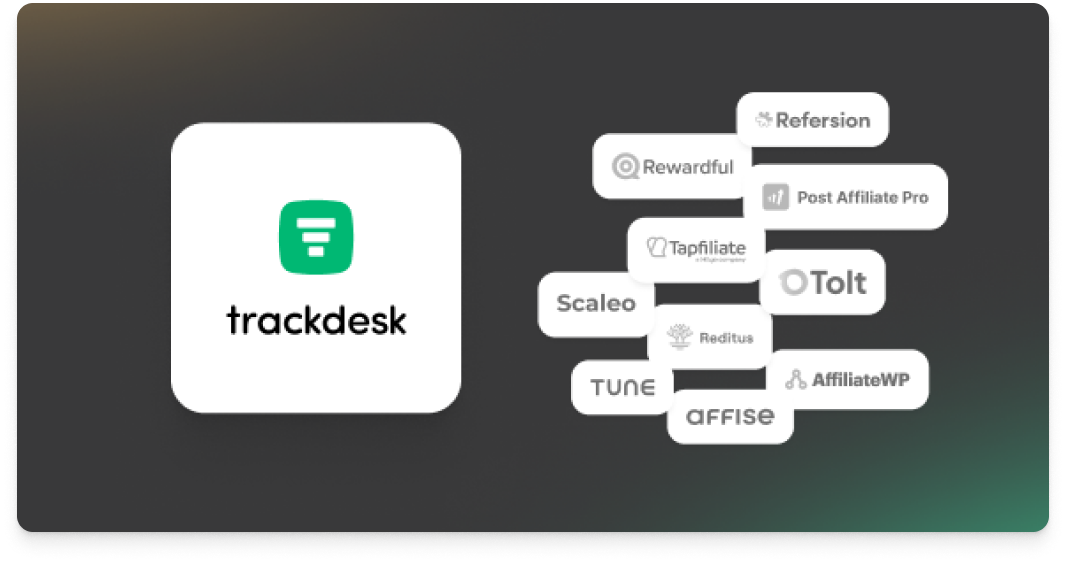

Join the Smart Companies
Already Using Trackdesk
Join the Smart Companies
Already Using Trackdesk





Frequently Asked Questions
Authorize API access in Tipalti Hub and enabling the Tipalti payment method in your Trackdesk settings.